

What is Cherry App?
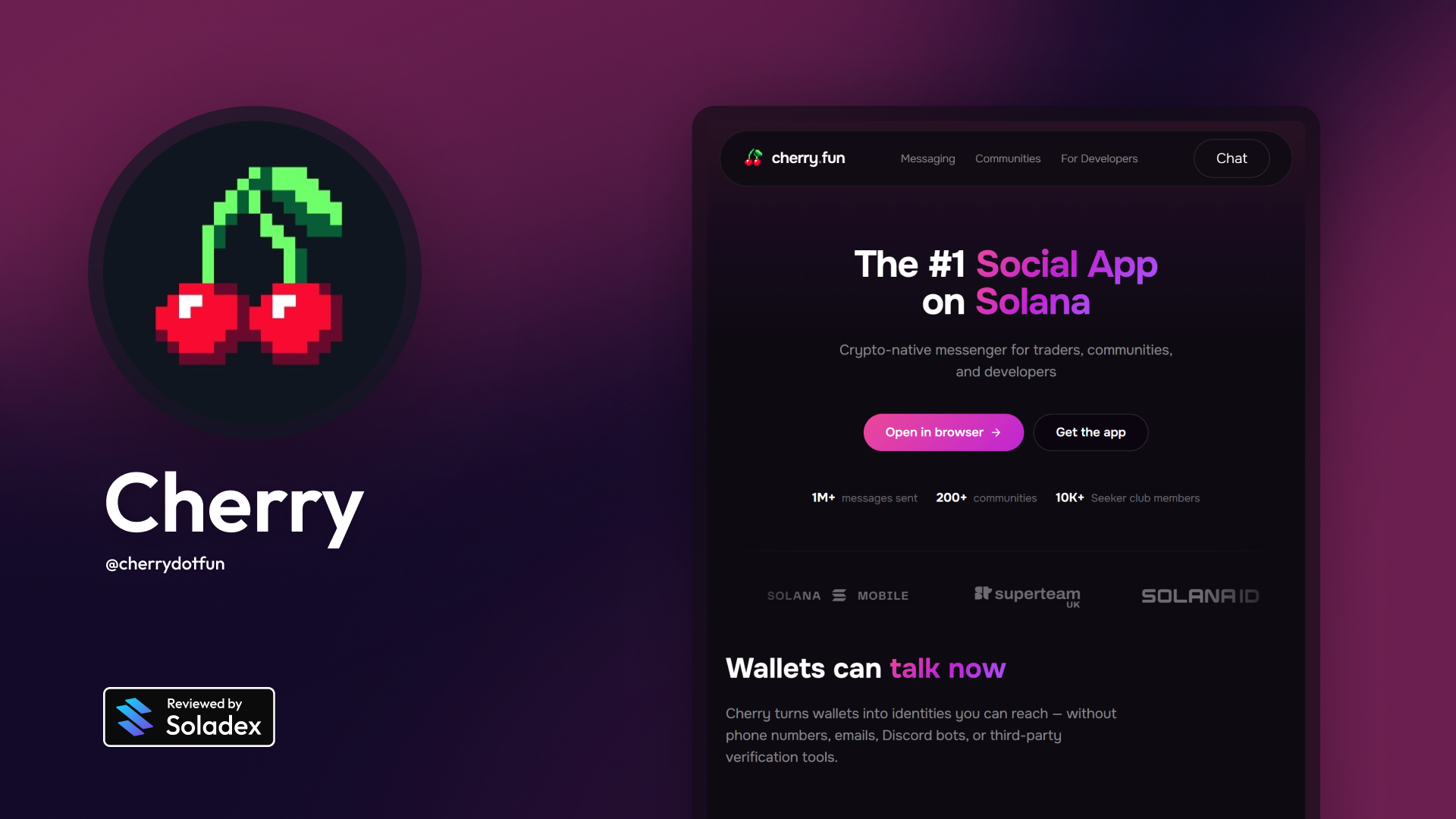
Cherry is a decentralized messaging platform built for the Solana ecosystem. It allows users to communicate directly through their crypto wallets instead of relying on phone numbers or email addresses. Cherry turns a Solana wallet into a messaging identity. If someone has a wallet, they can use it to send messages, join communities, receive notifications, and participate in token-gated chats.
Using the Cherry Chat App
Cherry connects messaging to a user’s Solana wallet. Instead of creating a normal social media profile, users interact through their wallet address or wallet-based identity (such as SNS domain names). It makes communication more native to Web3 because users can message each other based on on-chain activity, token ownership, NFT holdings, or community membership. For example, a DAO can create a private chat where only holders of a specific token can enter.
Cherry Seeker App
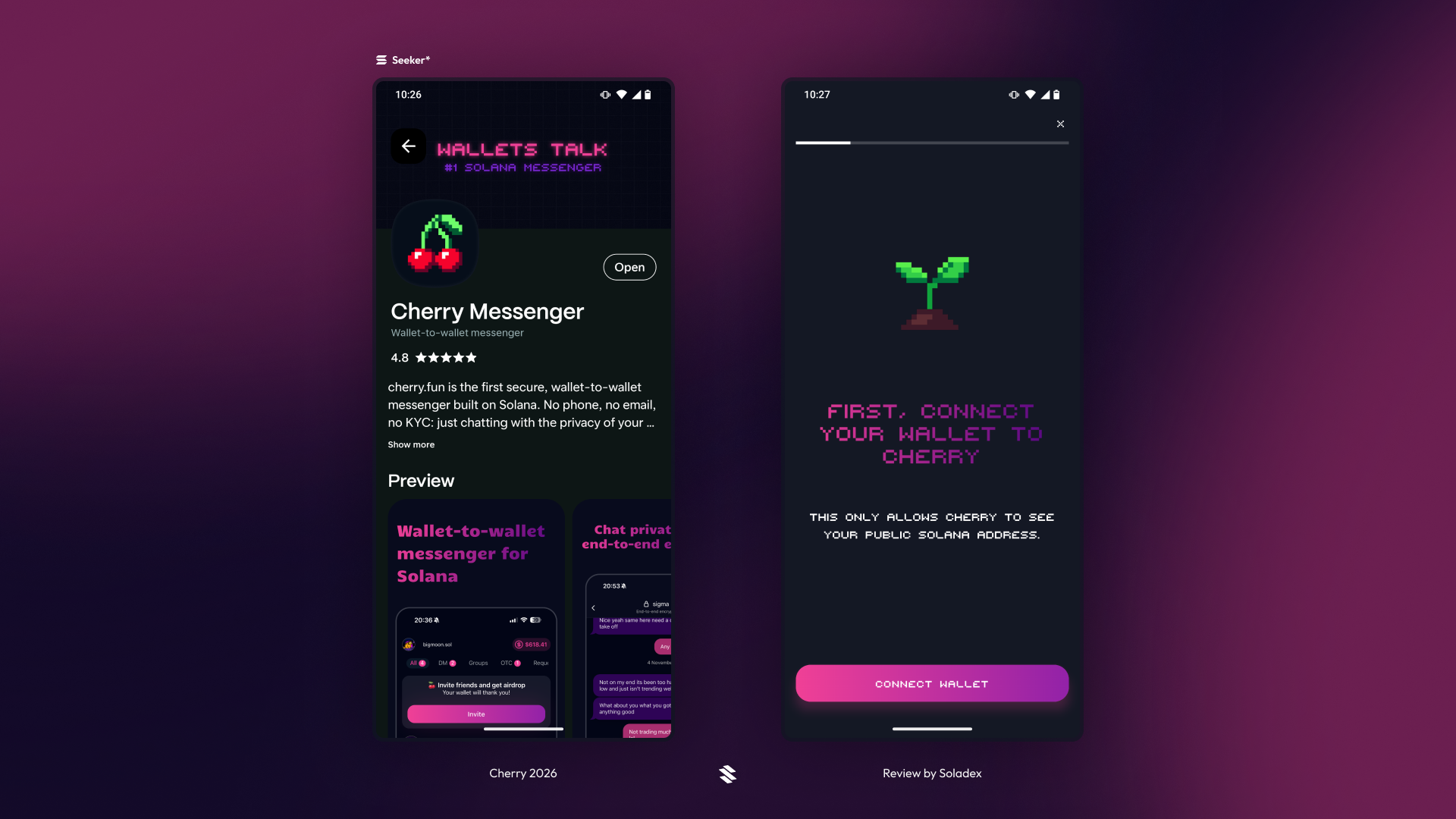
Select your favourite wallet (this can be the Seeker wallet) or an ecosystem wallet such as Solflare or Phantom. After connecting, Cherry generates a unique signature that is personal to your device alone. This key is used for the app’s end-to-end encryption of chats.
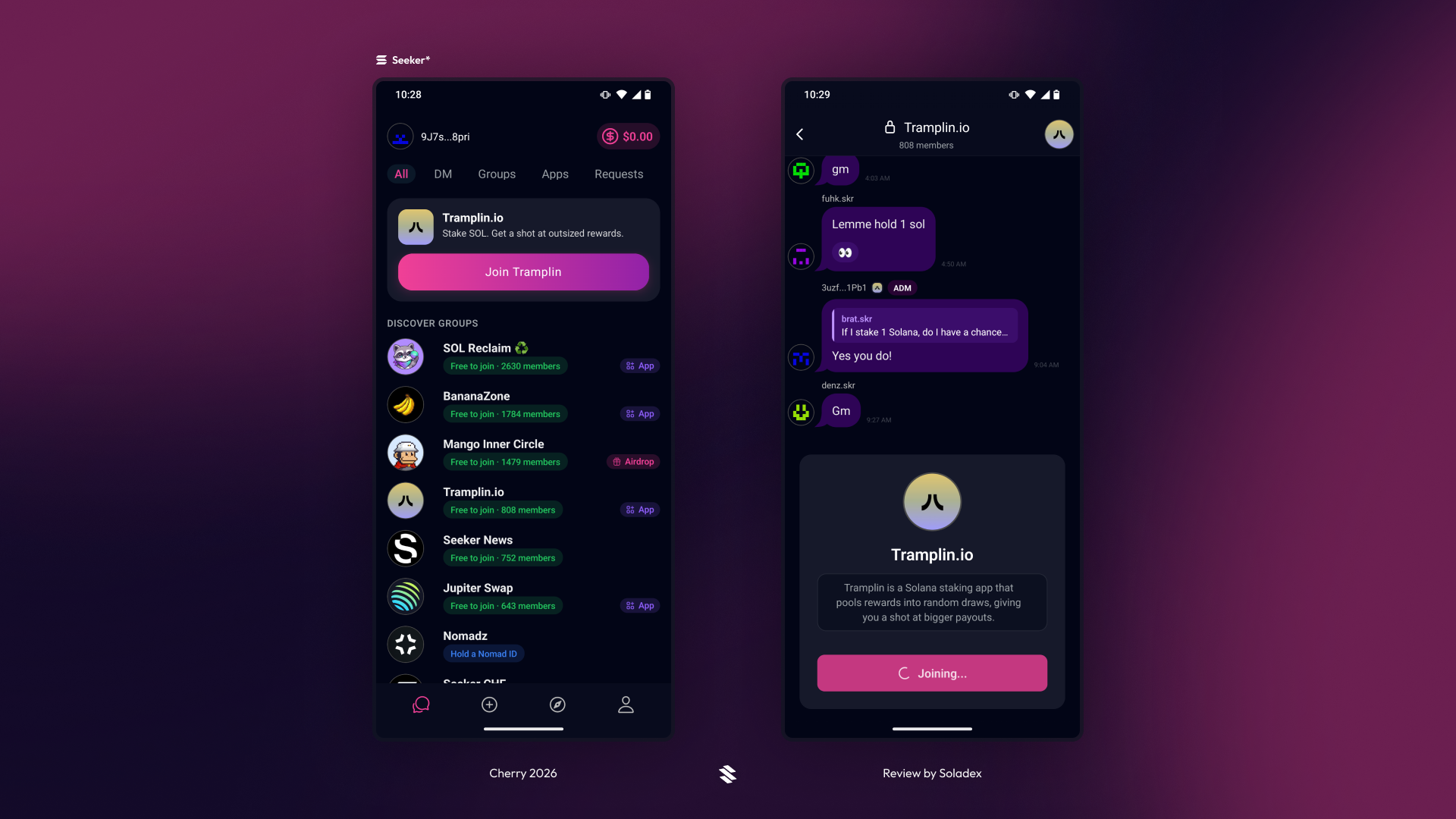
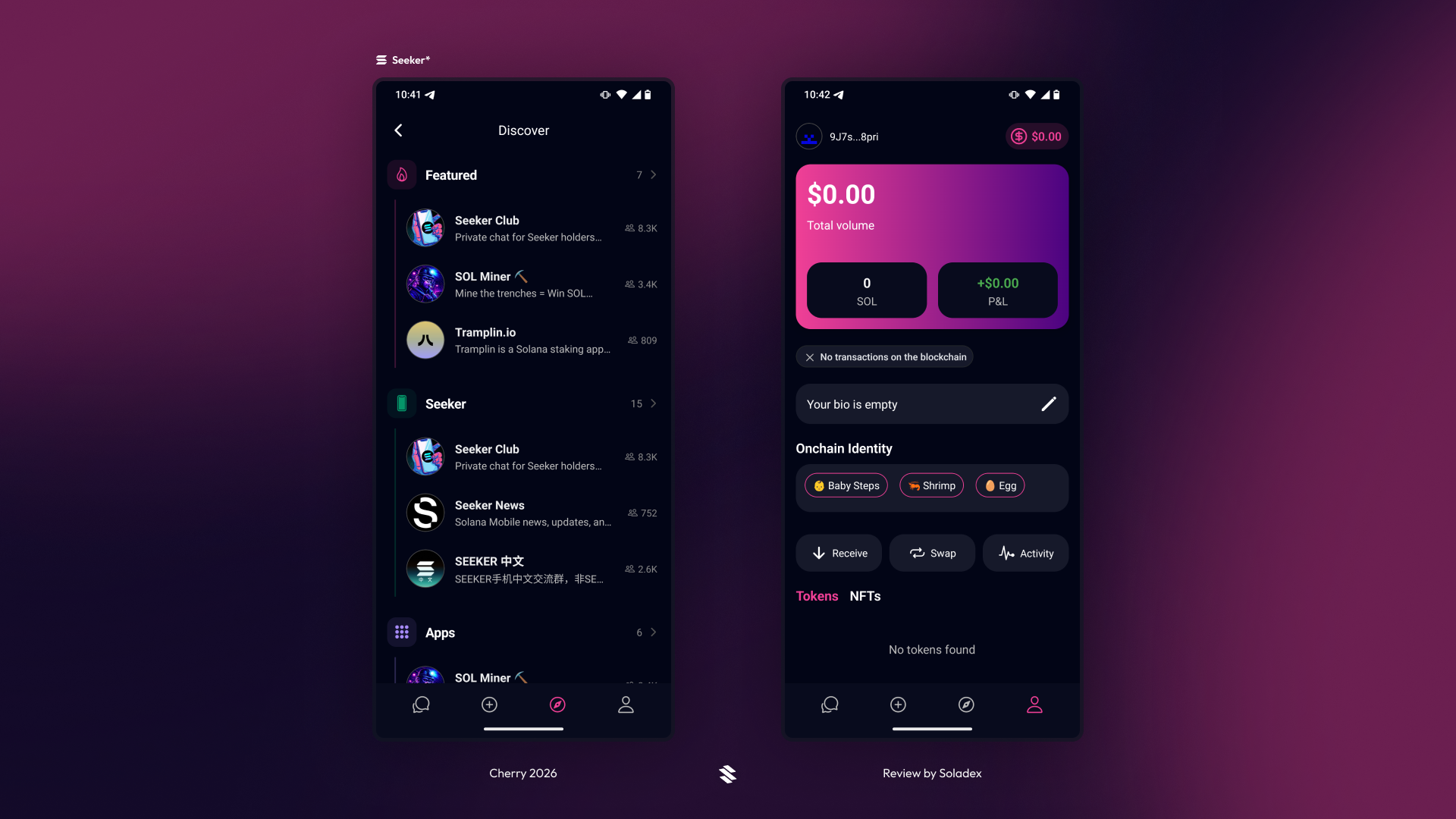
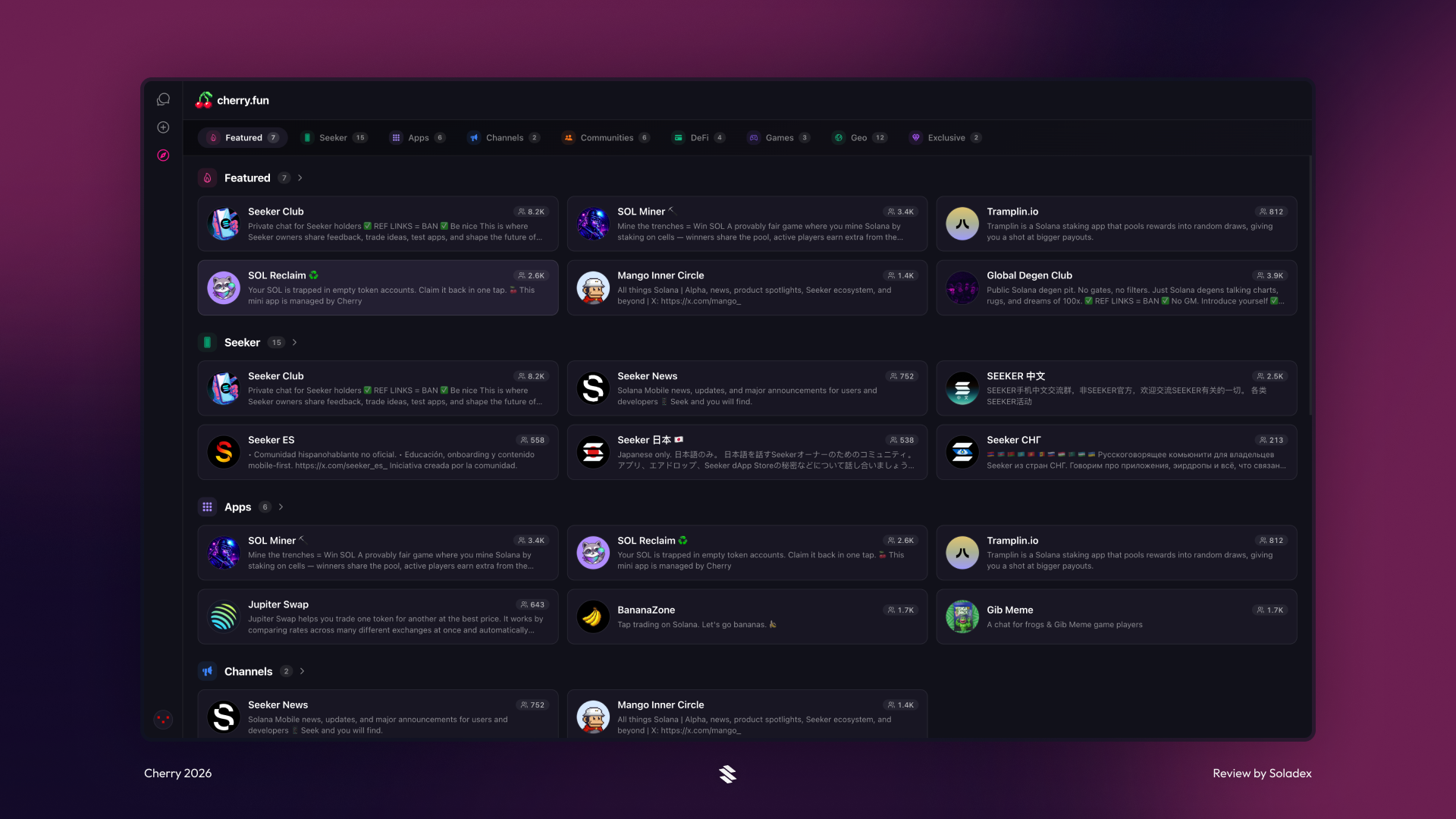
On the first page after signing up, you can discover available groups on the messaging application. There are many free groups to join on the app, but there are groups where the wallet used to join must hold an asset that qualifies them for membership, such as a certain amount of a specified Solana-based token, an ID, or an NFT.
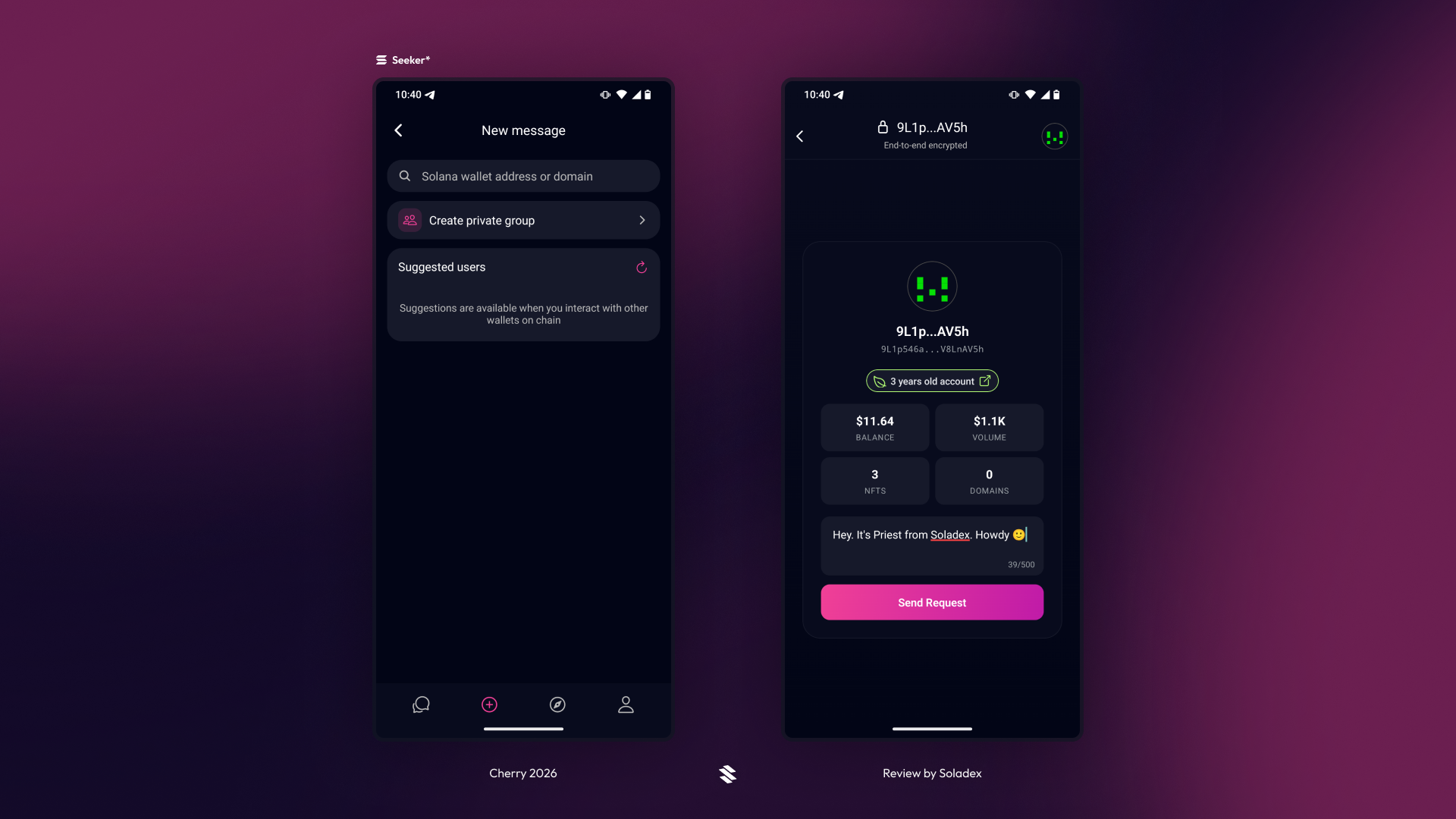
Apart from joining existing group chats, users can create a private group and invite other members. With a wallet address or a Solana domain name, users can send friend requests to others to begin conversations in their DMs.
Lastly, Cherry includes a profile page that summarizes a user’s on-chain transactions, such as assets sent, swapped, and general blockchain transactions. Tokens and NFTs held in the wallet are also displayed in this section.
Cherry Web App
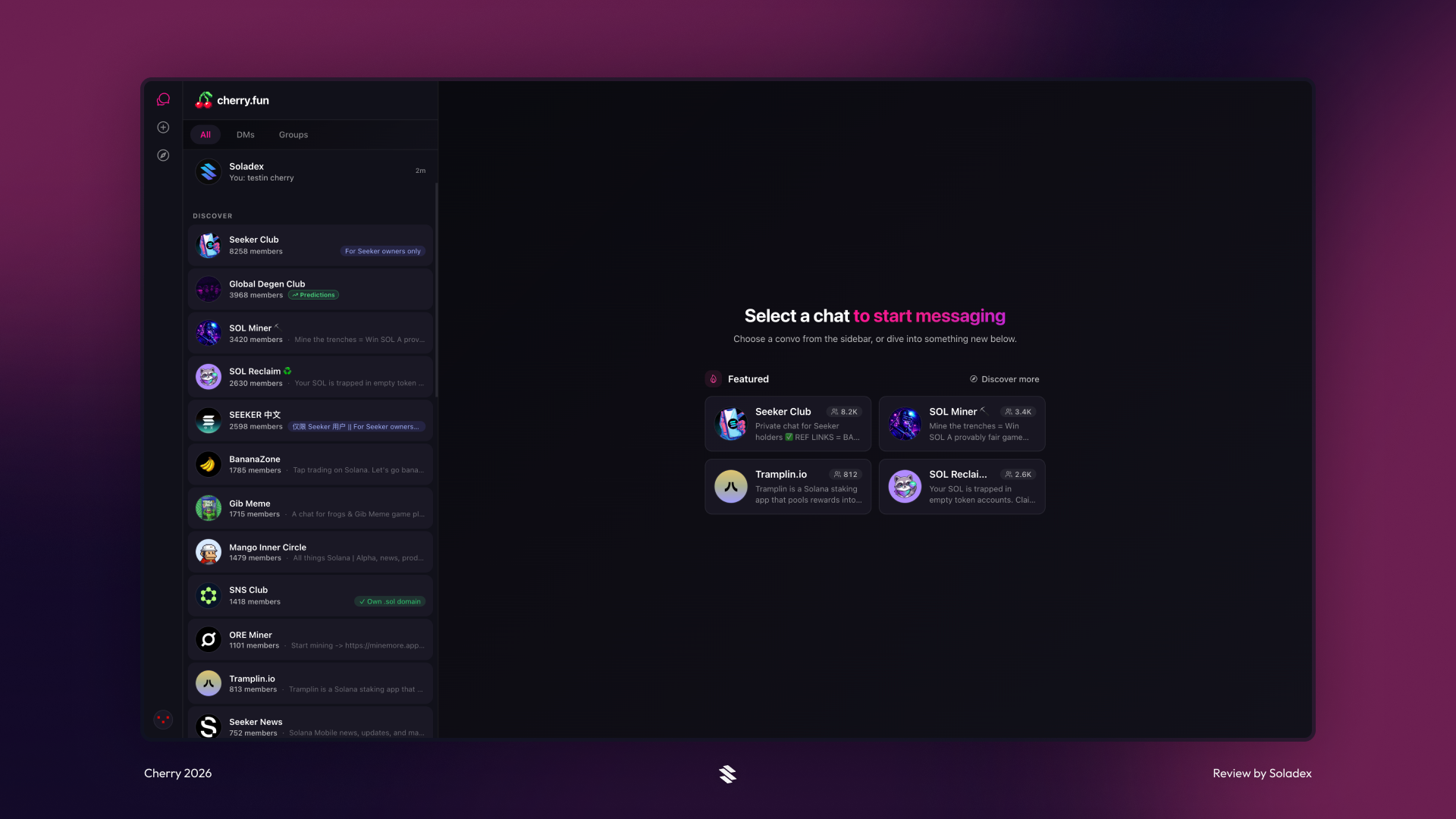
The Cherry web application contains what is on the mobile applications (iOS, Android/Seeker), and they have been shown above with more details. After connecting a wallet and generating the keys used for end-to-end encryption, users can start texting on the web app. If the same wallet is connected across other apps, the chat history is maintained across these platforms.
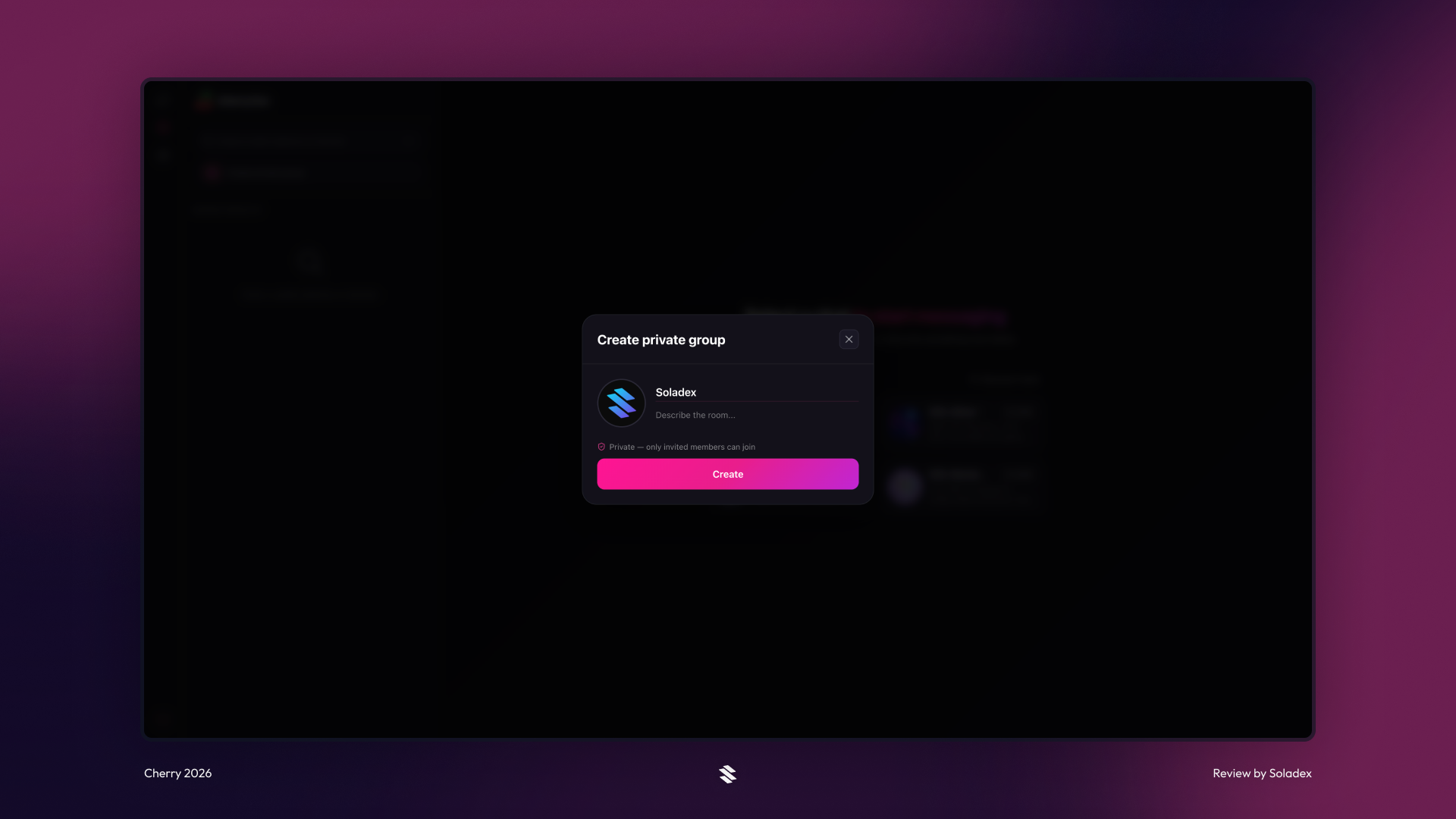
Create a private group by clicking the button with the same label shown below.
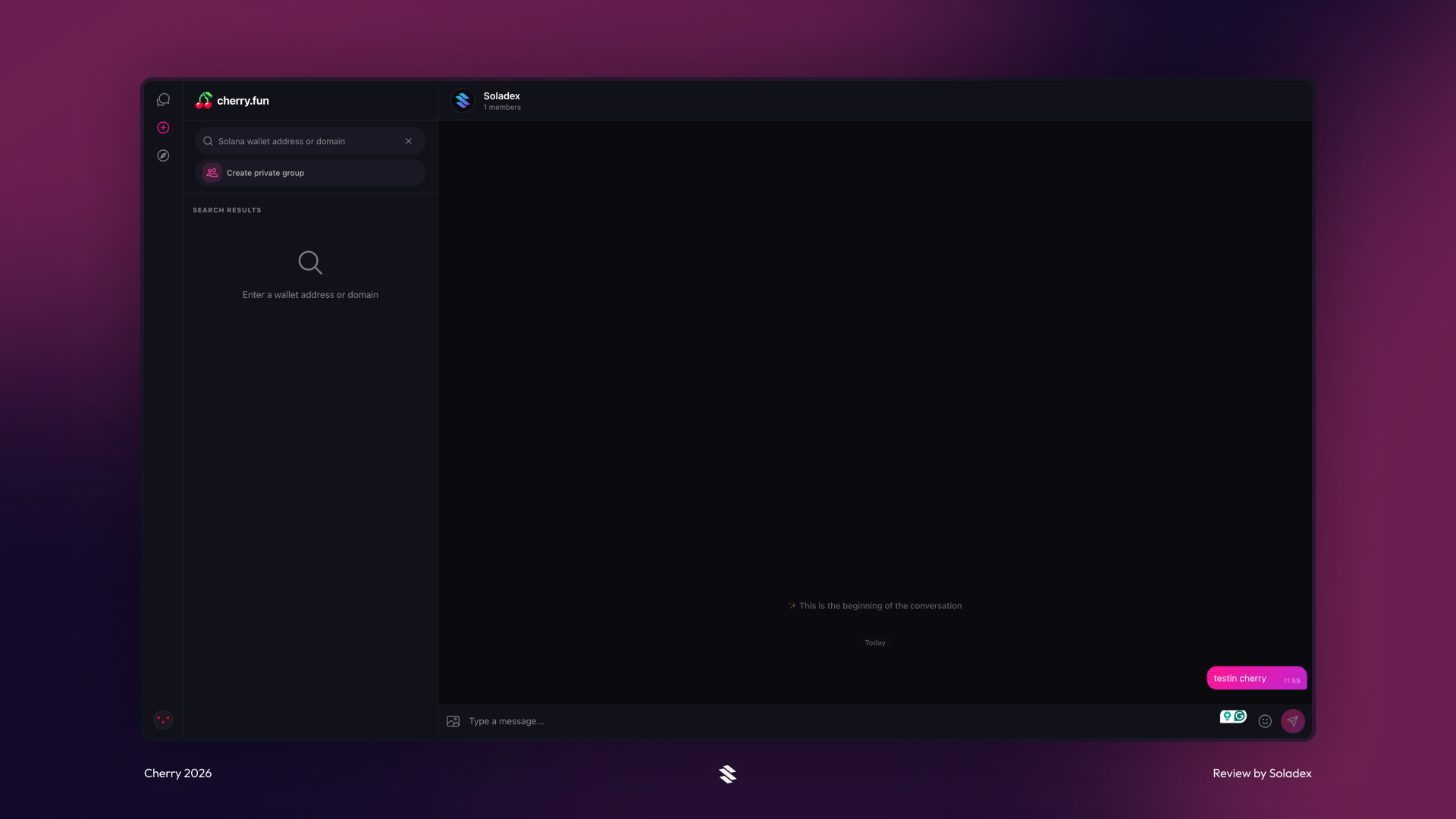
Enter a name for the group and an optional display name. Click “Create”, and Cherry creates a group immediately.
Cherry curates the public group chats based on different categories for easy accessibility.
Conclusion
Cherry brings a more native communication layer to the Solana ecosystem by turning wallets into messaging channels. Instead of depending on phone numbers, emails, or traditional sign-up methods, users can connect their wallet and start chatting privately across mobile and web.