


The Use of Gift Cards
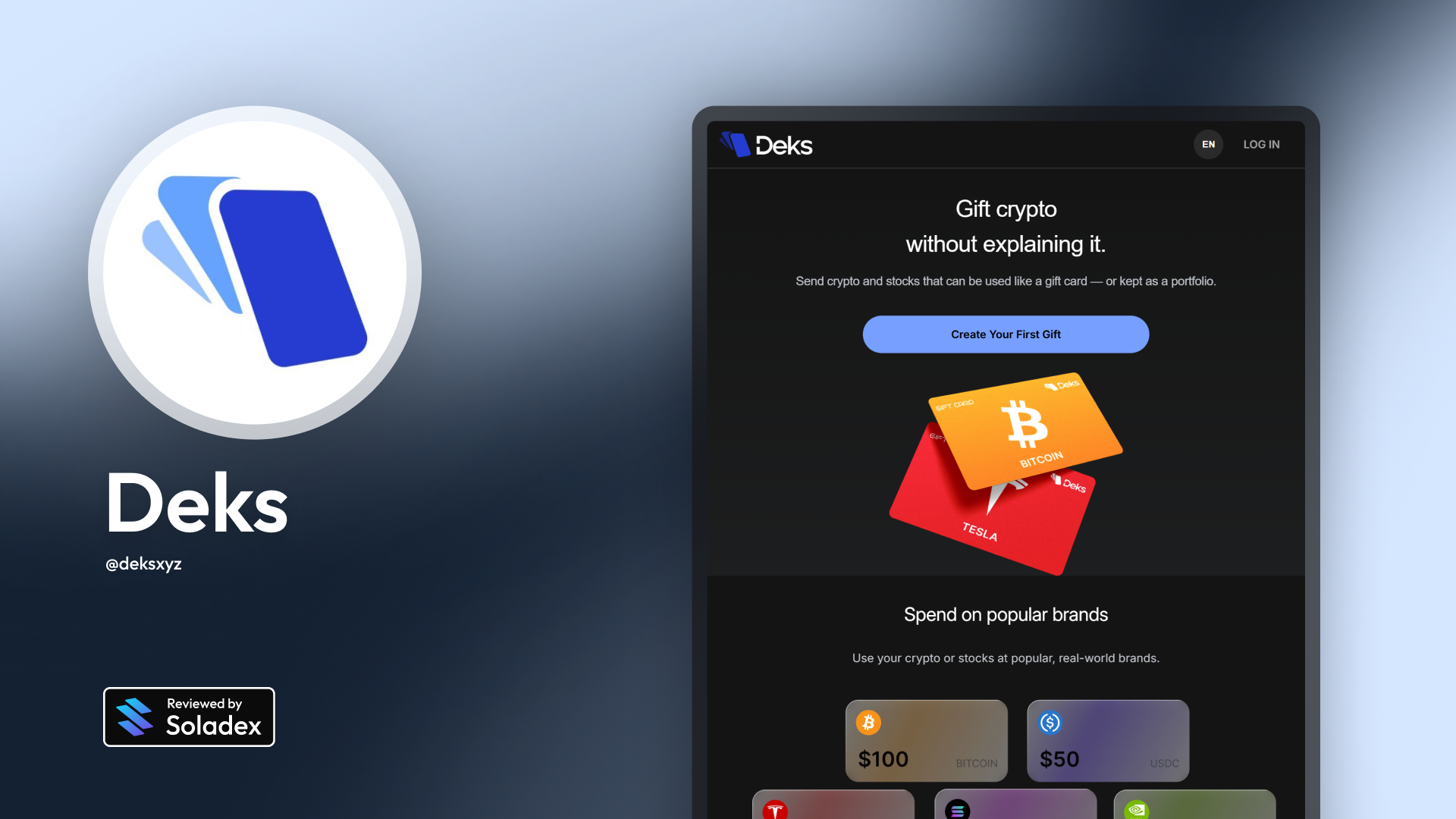
Crypto can be powerful, but it’s often intimidating for newcomers. Wallets, seed phrases, and complicated onboarding steps can make even simple transactions feel overwhelming for someone without someone to explain them directly. Deks solves this problem by turning crypto transfers into something everyone already understands: gift cards. A Deks gift card works much like a digital gift card you might receive from an online store. However, the Deks card contains cryptocurrency instead of store credit. The recipient simply opens a link, claims the card, and the funds are instantly available.
What a Deks Gift Card is
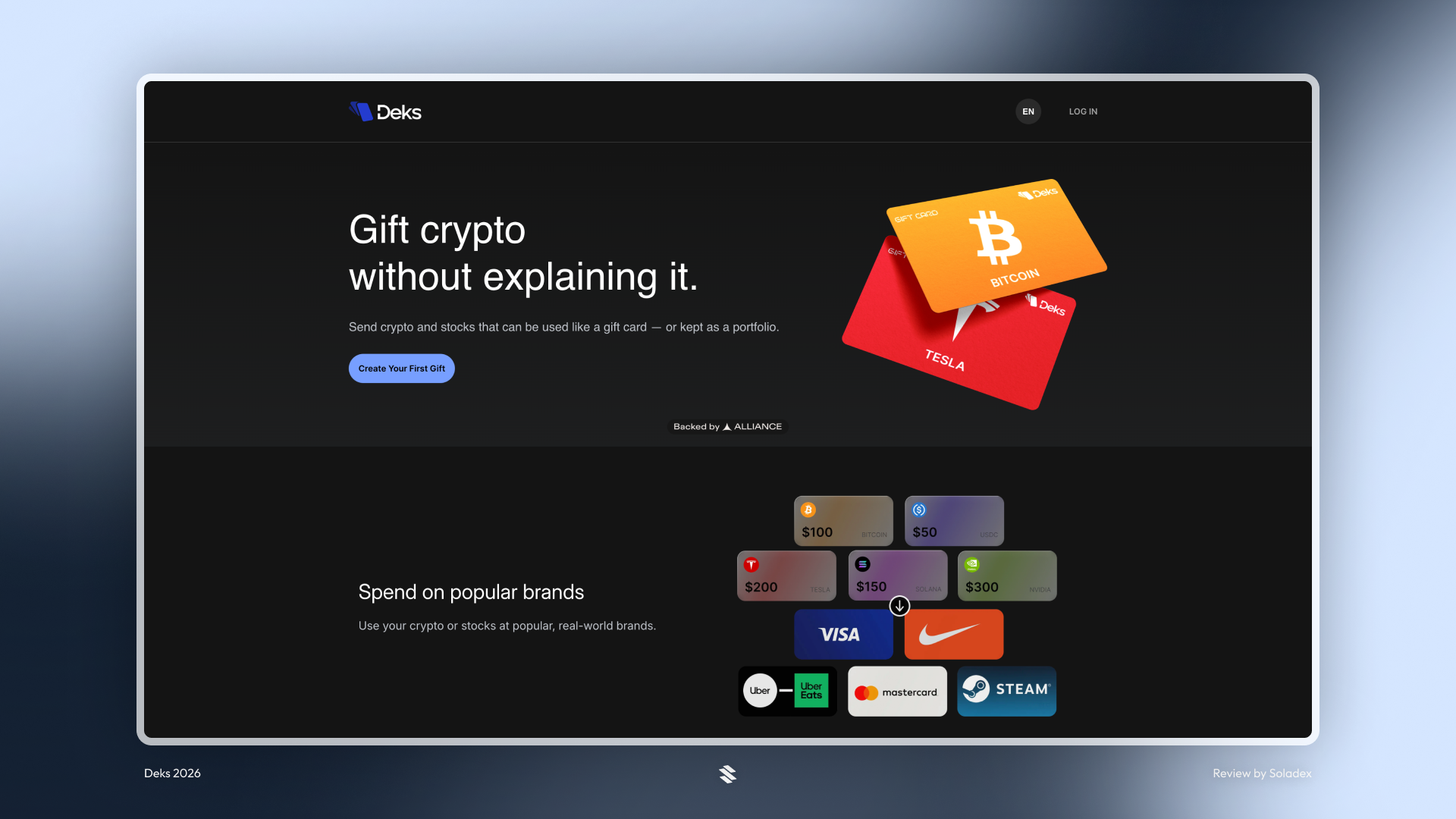
A Deks gift card is a digital card that holds a specific amount of crypto tokens. The sender creates the card and shares it with the recipient using a link, QR code, or email. When the recipient opens the card, they can claim the funds immediately, even if they have never used crypto before. Deks automatically handles the technical side by creating a wallet if the user doesn’t already have one. This removes the barrier to entry for many people who would have needed to set up a wallet to receive crypto.
What can you use Deks Gift Cards for?
You can use them to send crypto to someone using only an email or a shareable link, introduce friends or newcomers to crypto without requiring a wallet setup, run giveaways, promotions, or community rewards, distribute tokens during events using QR codes, and send personalized crypto gifts with custom designs. Because claiming the card requires just a single click, it works well even for recipients who have never used blockchain tools before.
How receiving a Deks gift card works
Receiving a Deks gift card is intentionally straightforward. The card can arrive in several different ways depending on how the sender shares it.
Common delivery methods include:
- Email – the recipient receives a message containing a link to the card
- QR code – useful for events, posters, or in-person promotions
- Direct link – shared through messaging apps, social media, or communities
After opening the card, the recipient sees the amount and the card’s design. From there, claiming the crypto typically requires just one action.
If the user is new to Deks, a wallet is automatically generated during the claim process. This allows them to receive the funds immediately without installing anything or dealing with technical setup.
Once the gift card has been claimed, the user can keep the tokens in their Deks wallet or move them elsewhere, depending on how they want to use them.
Creating a Deks Gift Card
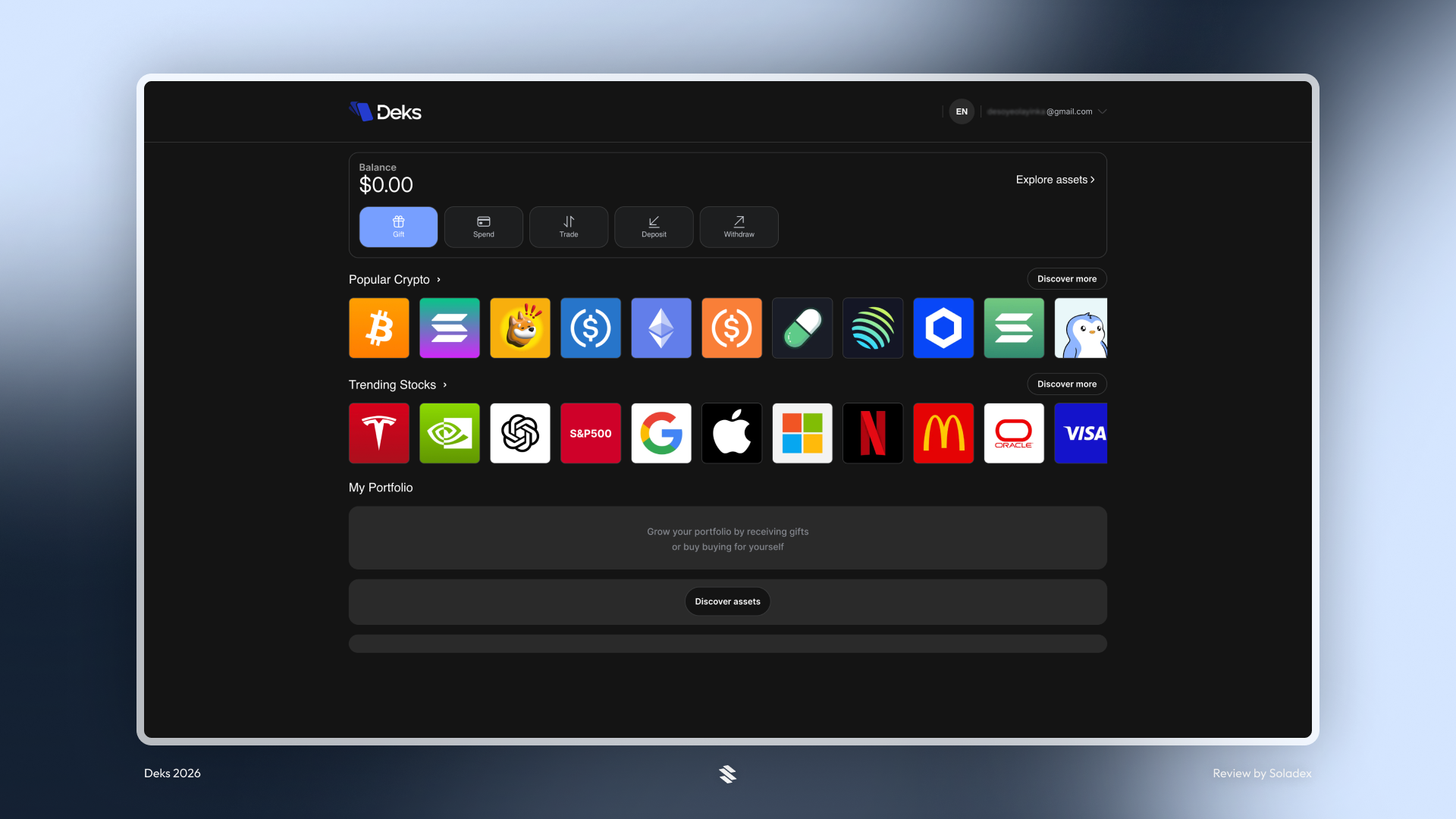
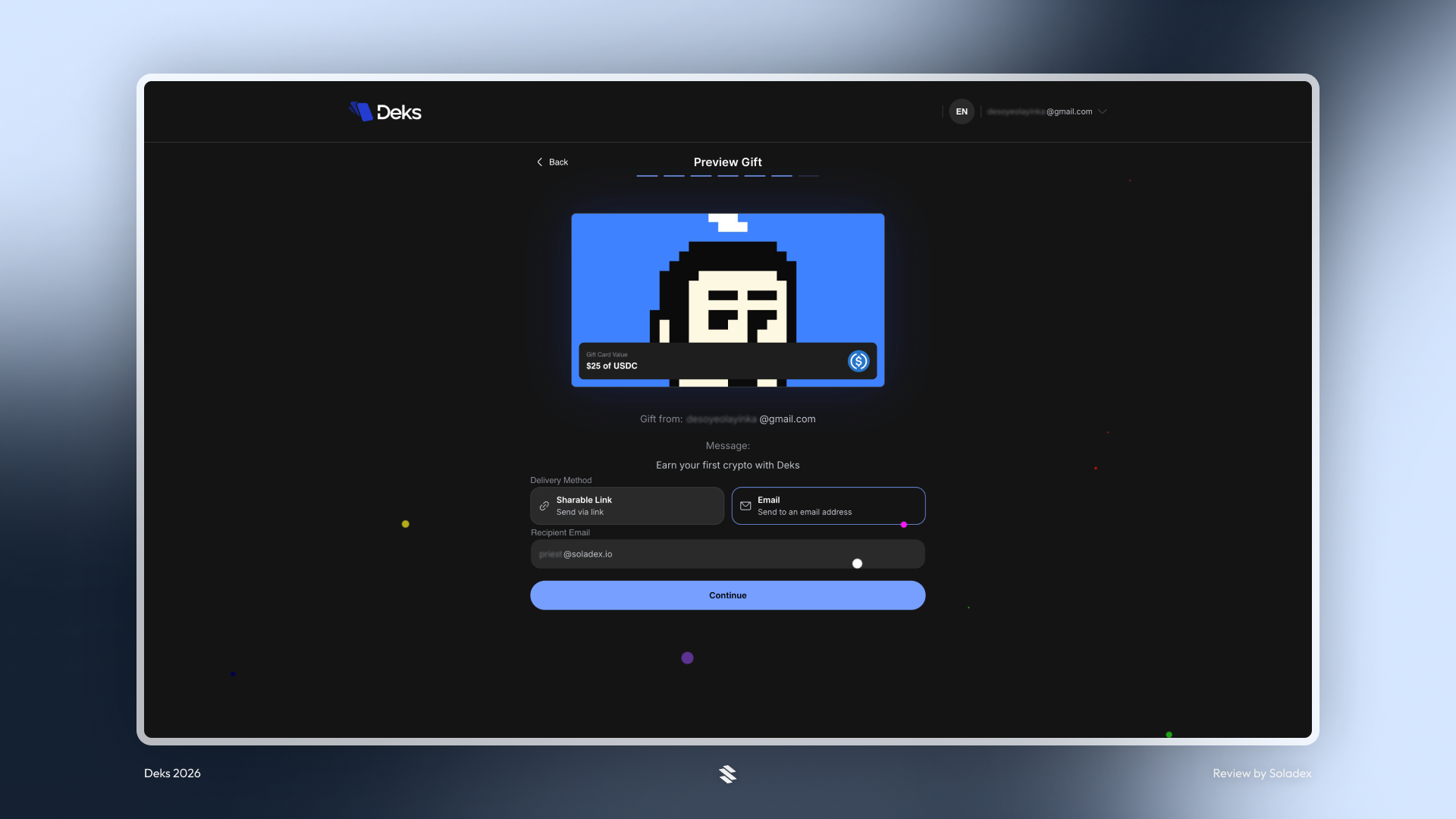
Sending a gift card through Deks takes only a few steps. First, log in to your Deks account and choose the option to create a new gift card. They then select the cryptocurrency and the amount of cryptocurrency to gift.
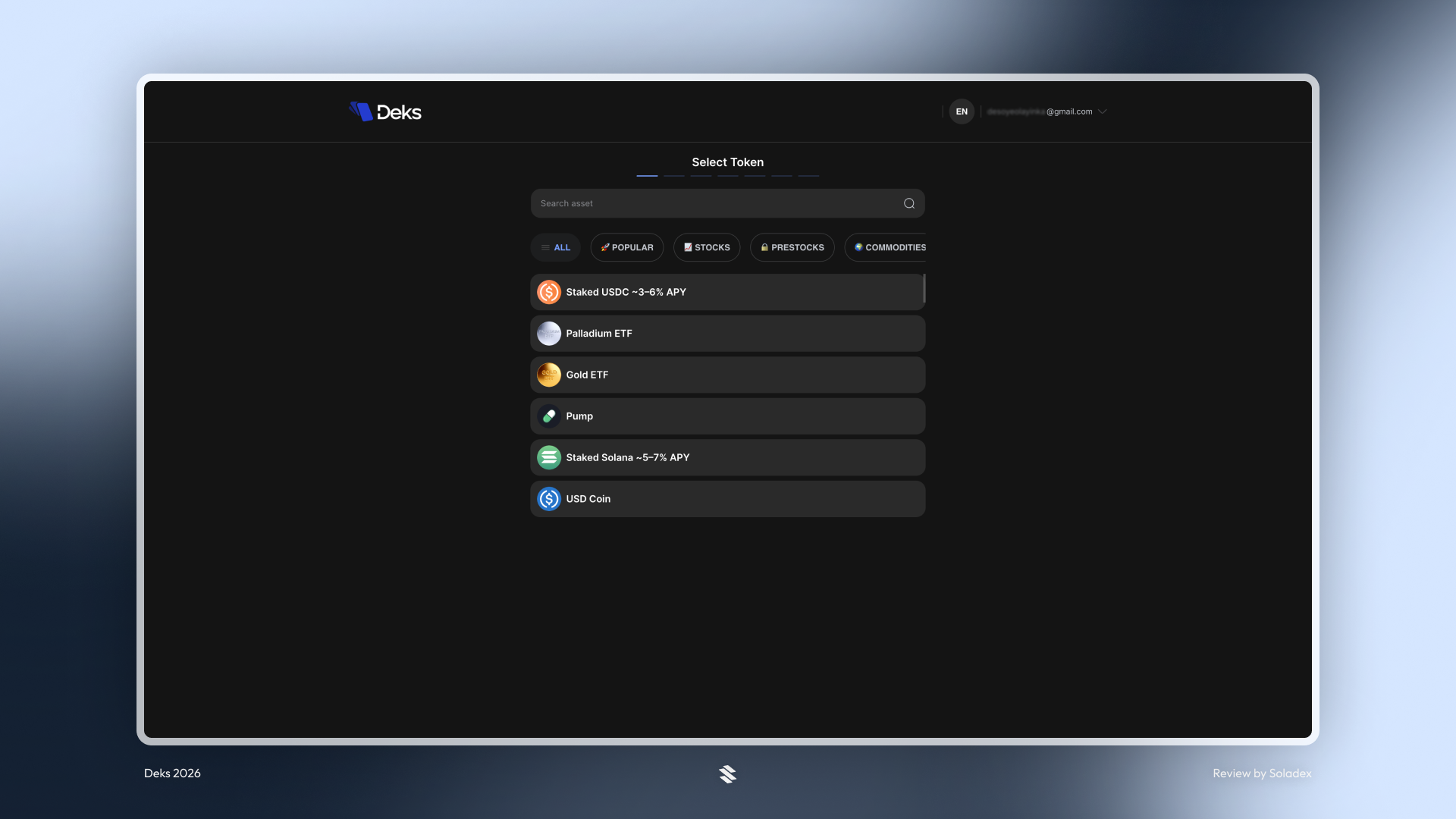
Deks also allows personalization. Users can upload their own image or artwork to customize the card. You can even add a short message for the recipient.

Once the details are confirmed and the payment is completed, Deks generates a unique link and QR code for the card. The sender can then share it however they like or select the email option as shown below.
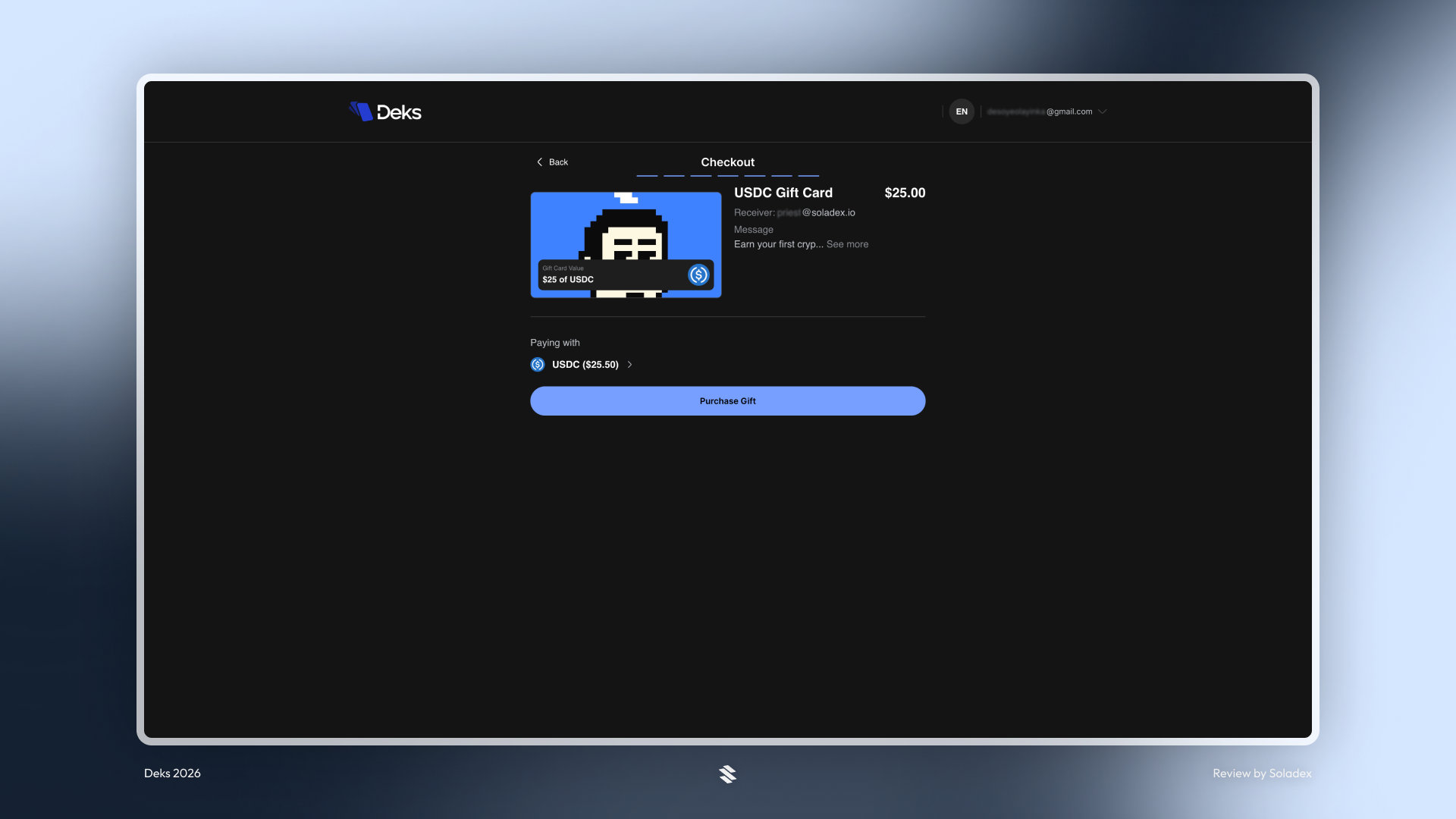
Complete the setup and click on “Purchase Gift” to finalize the transaction.
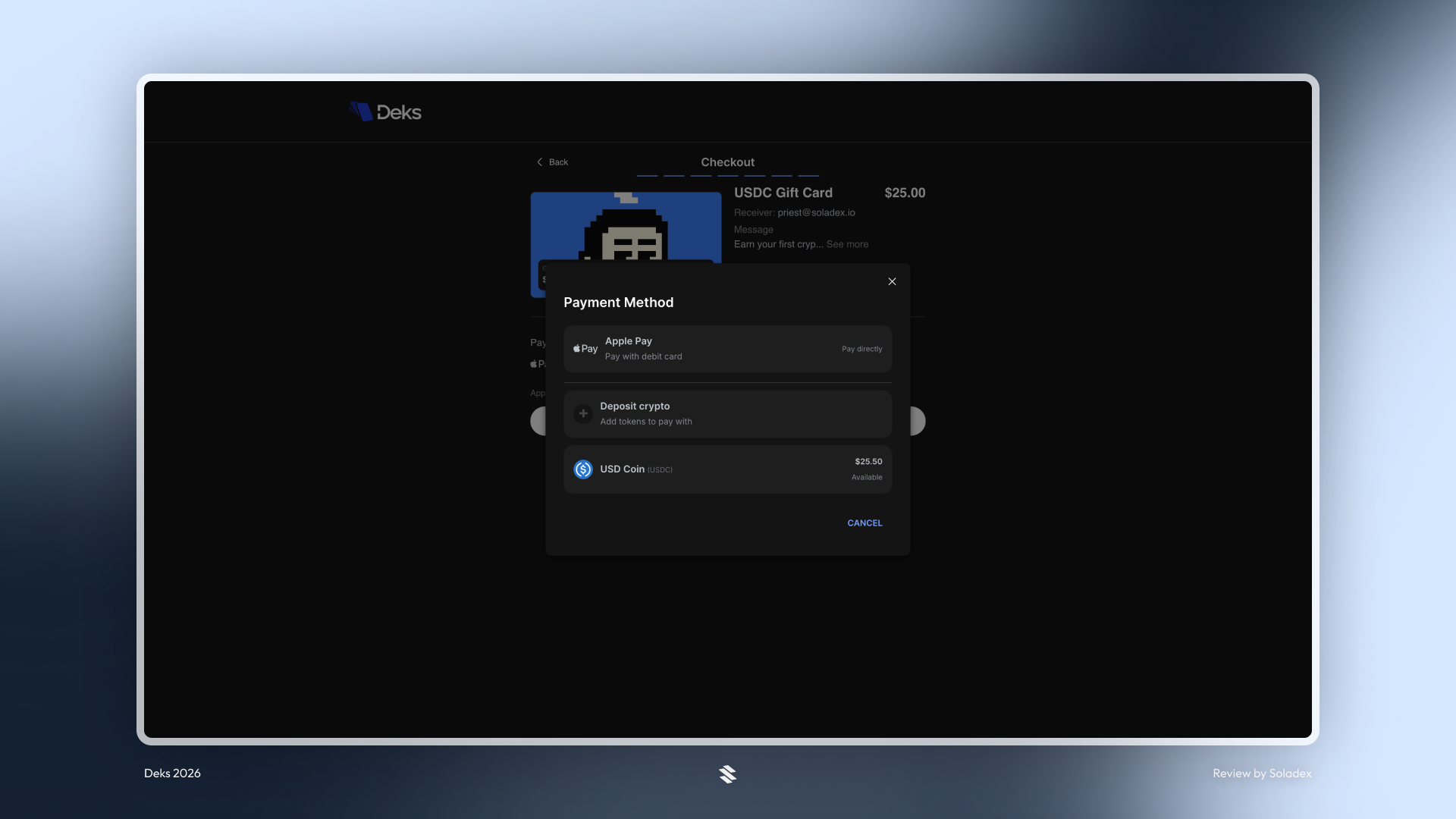
Select payment method (I chose “Deposit Crypto” since the USDC is in my wallet address). Deks provides a wallet address linked to the sender’s account. Deposit the token in the wallet, and it appears as shown below. Click the token and create the card.
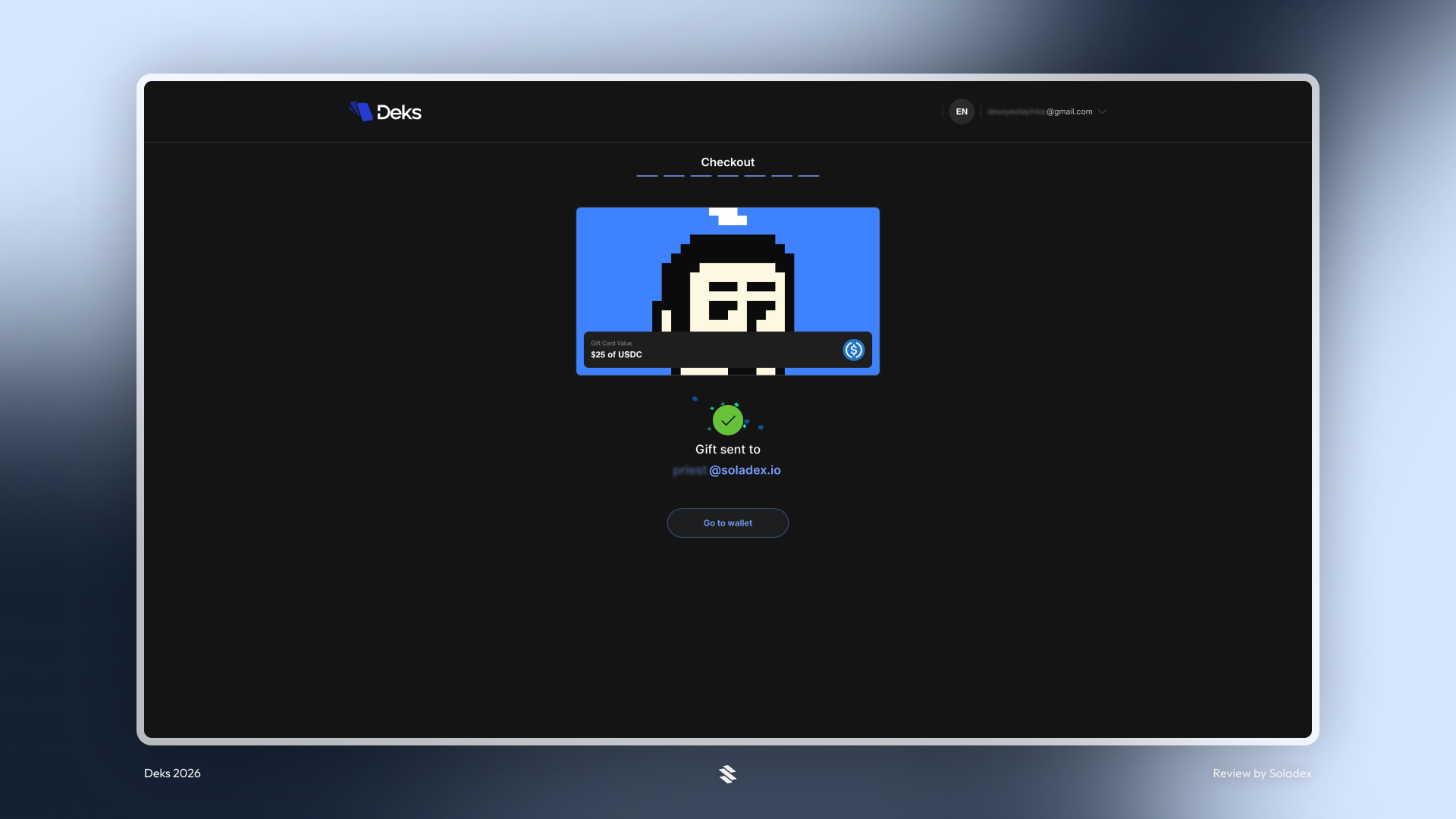
The recipient can claim the card instantly by clicking on the link shared or sent through the added email address.
The email address used to receive the gift card got the link. All that the receiver has to do is open the Deks app with the receiving email address. The $25 from the sender is seen on the dashboard below.
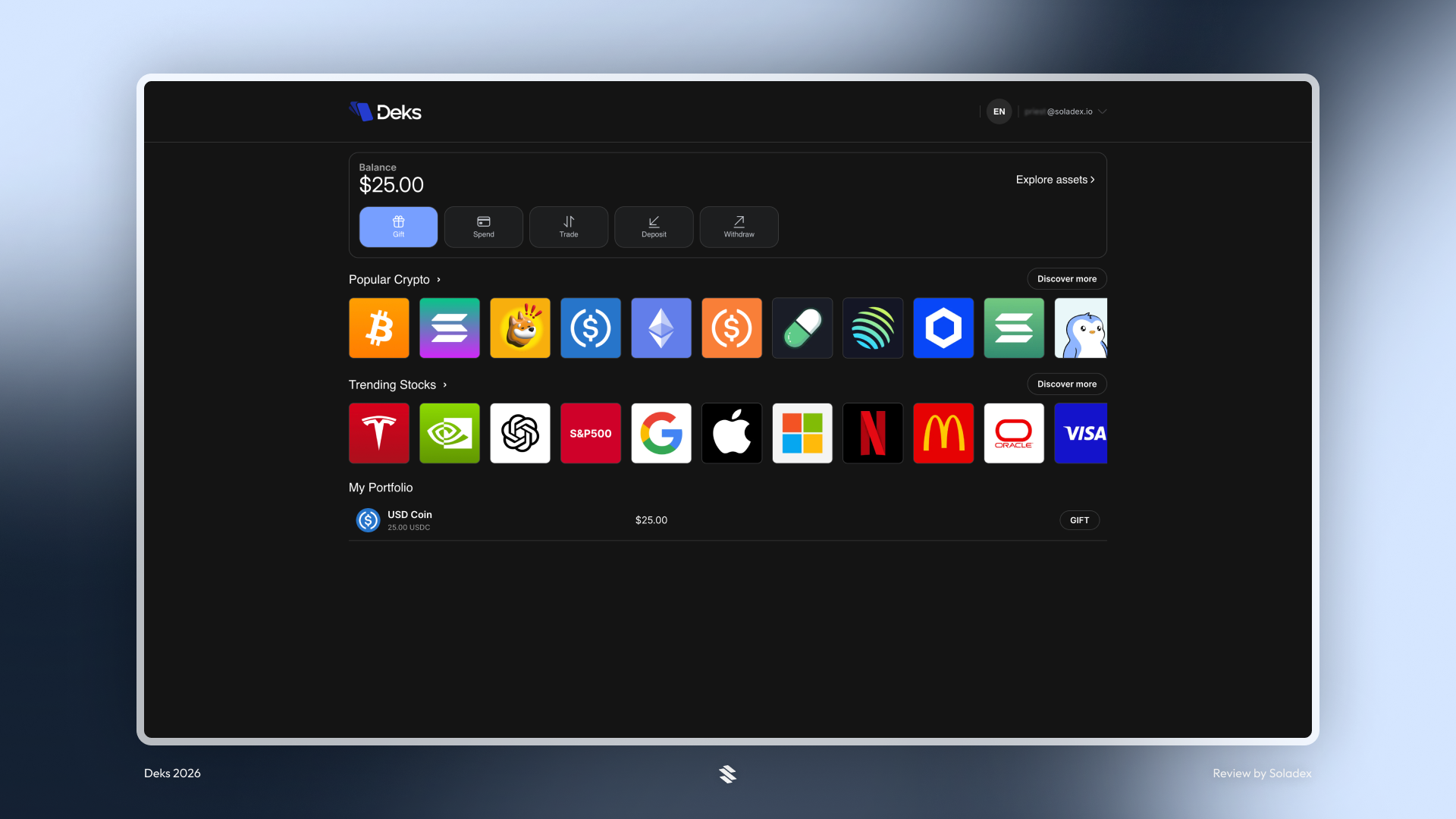
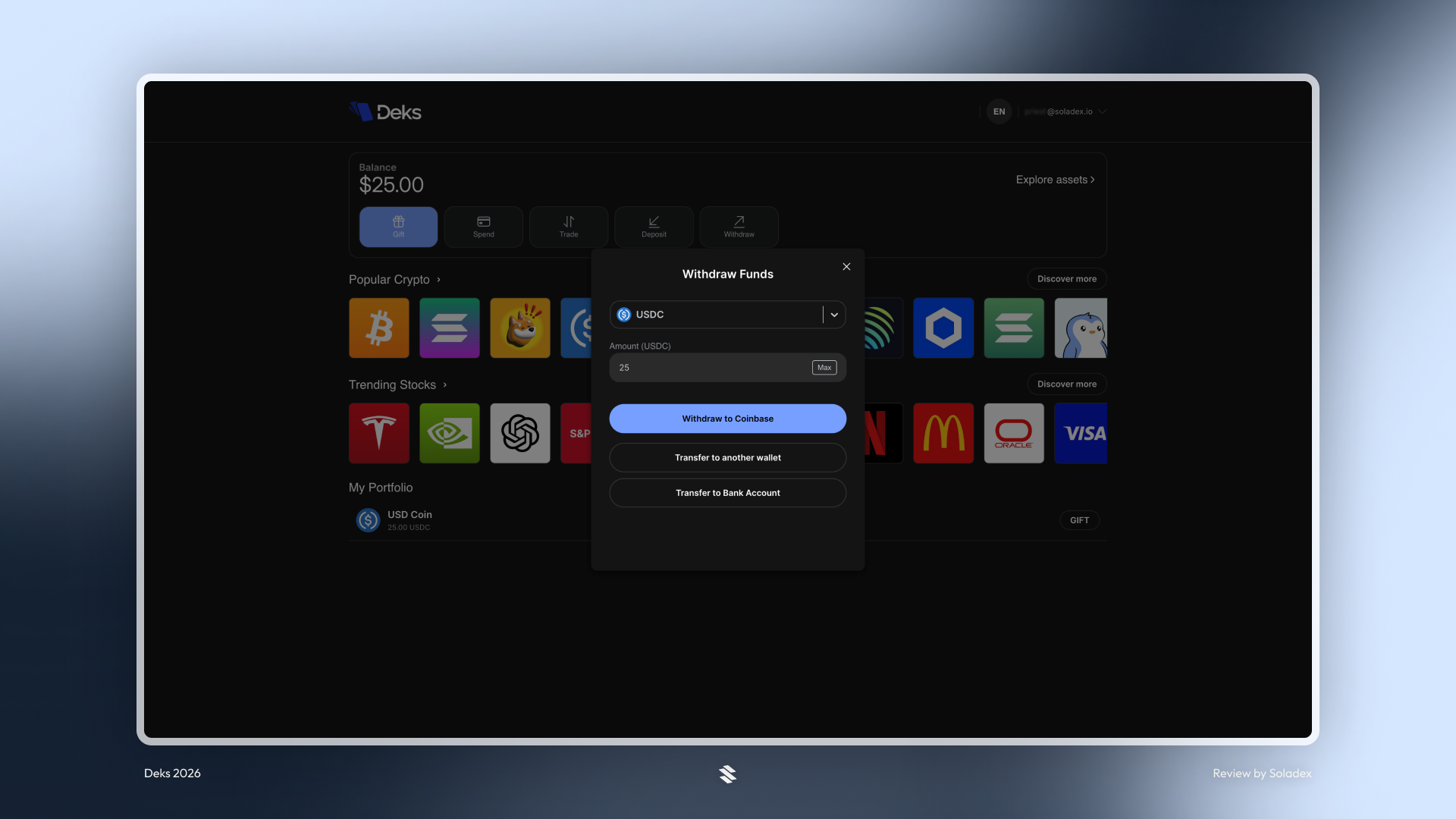
The recipient can decide to cash out by withdrawing to a centralized exchange or a supported bank. They can also transfer to a wallet.
Why Gift Cards make Crypto easier
Traditional crypto transfers require both parties to already have wallets, understand addresses, and feel comfortable interacting on-chain. Deks gift cards remove this complexity. Instead of sending tokens directly to a wallet address, the sender simply creates a claimable asset that the recipient can open whenever they’re ready. It also creates new use cases for communities, creators, and companies that want to distribute tokens with a method that won’t stress the receivers.
Conclusion
Deks gift cards bridge the gap between traditional digital gifting and blockchain payments. By turning crypto into a shareable card that can be claimed through a simple link or QR code, Deks removes much of the friction that typically prevents new users from interacting with crypto. Whether it’s sending a gift to a friend, rewarding a community member, or distributing tokens at an event, Deks makes the process familiar, easy, and fast.